//Shop By Room
Home Office Window Treatments in Marin County
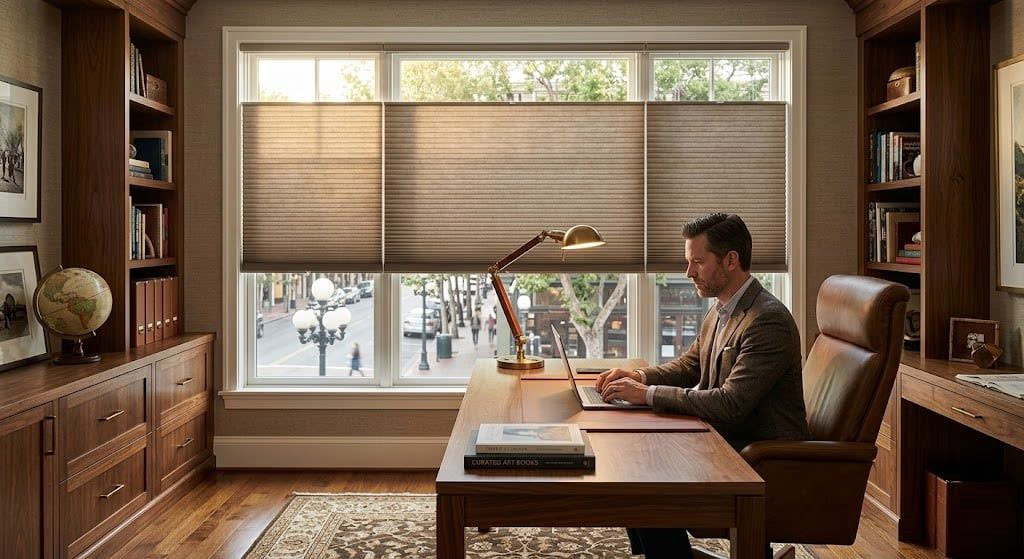
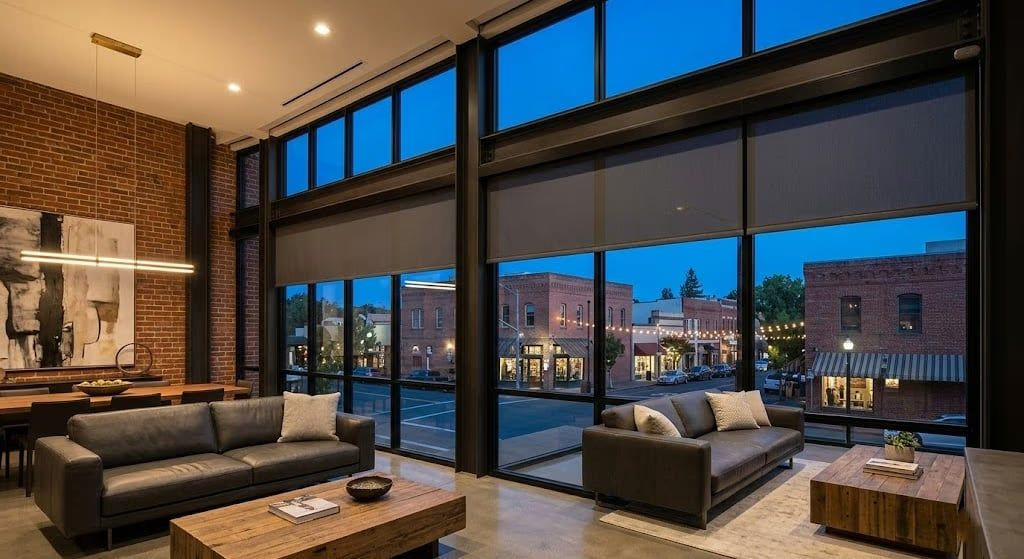
Designer Screen Shades with 3% to 10% openness reduce monitor glare by 90% to 97% while maintaining a clear view of your Marin County landscape - measured, designed, and installed across San Rafael, Mill Valley, and Novato.
//Monitor Glare Control
Why Is Glare Reduction Critical in a Home Office?
Monitor glare from uncontrolled window light reduces readability, forces you to increase screen brightness to compensate, and causes eye fatigue that compounds over an 8-hour workday. Proper screen shading eliminates glare without darkening the room or blocking your view. In Marin County, home office windows often face west or south, receiving intense direct sunlight for several hours each afternoon.
Without treatment, this creates a brightness differential between the window and your monitor that exceeds your eyes’ comfortable adaptation range. Your pupils contract in response to the bright window, making the monitor appear darker, so you increase brightness, which in turn increases overall eye fatigue. Designer Screen Shades break this cycle by filtering incoming light to a level that matches your monitor output. At 3% openness, the shade reduces visible light transmission to approximately 3% while blocking 97% of the UV radiation that damages furniture and flooring. You keep a clear view of the outdoors in a comfortable, evenly lit workspace across San Rafael and Mill Valley.
//Openness Factor
How Do You Choose the Right Openness Factor for Your Office?
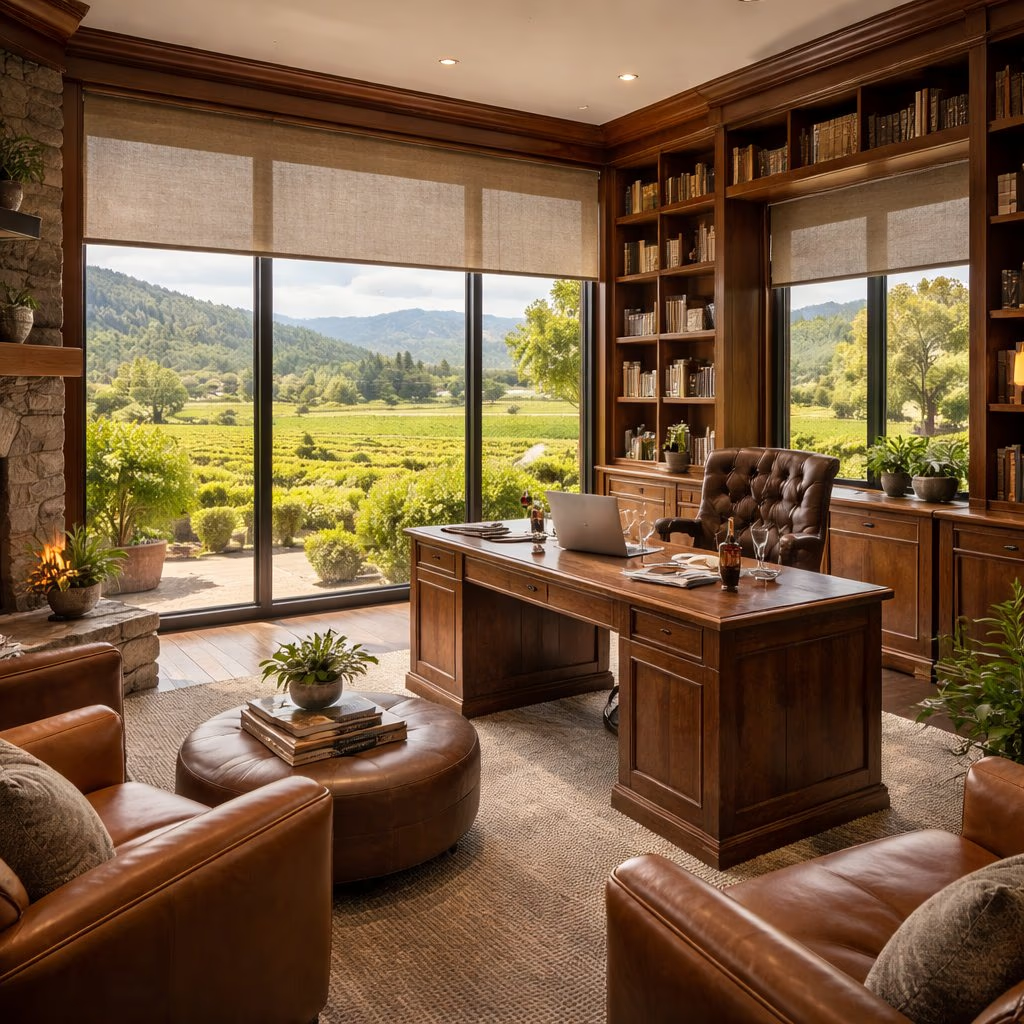
The openness factor determines how much light passes through the screen fabric. Lower openness means more glare reduction but less view clarity. Most home offices perform best with 3% to 5% openness, which blocks 95% to 97% of glare while preserving a usable view. At 1% openness you get maximum glare block with minimal view; at 10% openness the view approaches the feel of tinted glass with the least glare control.
Your ideal openness depends on three factors: window orientation, monitor position, and view priority. A west-facing window with a monitor directly opposite needs maximum glare control at 1% to 3% openness. A north-facing window with the monitor perpendicular can use 5% to 10% openness for a clearer view with minimal glare risk. If preserving the North Bay view is a priority, 5% openness offers the best compromise. During your free consultation, our design team evaluates your desk layout, window orientation, and monitor position to recommend the precise openness factor that optimizes both productivity and view quality. Screen shades are available in over 370 fabrics through the Designer Roller and Solar Shades collection, part of our full range of custom window treatments.
//Video Call Lighting
How Do Screen Shades Improve Video Call Quality?
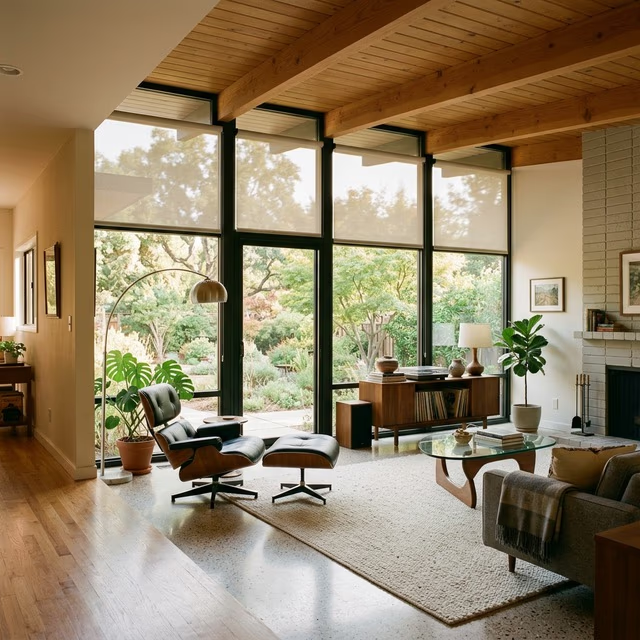
Screen shades diffuse incoming light into even, soft illumination that webcams can balance properly. This eliminates the backlighting and harsh shadows that make you appear silhouetted or unevenly lit during video calls. When a bright window sits behind you, the camera exposes for the brightest element in the frame - the window - and your face goes dark.
Screen shades at 3% to 5% openness reduce the window brightness to a level the camera can balance alongside your face. With PowerView Gen 3 motorization, you can set a one-tap scene that lowers shades to your preferred video call position before every meeting. This consistent lighting setup means you look professional on every call without manually adjusting anything. Voice commands through Apple HomeKit, Amazon Alexa, or Google Assistant make it even easier: “Hey Siri, set office for video call.” The same diffusion that flatters a webcam also softens harsh light for adjacent spaces - a benefit shared with our offices and studios treatments.
//Motorization & Scheduling
Can Motorized Shades Automate Focus and Comfort?
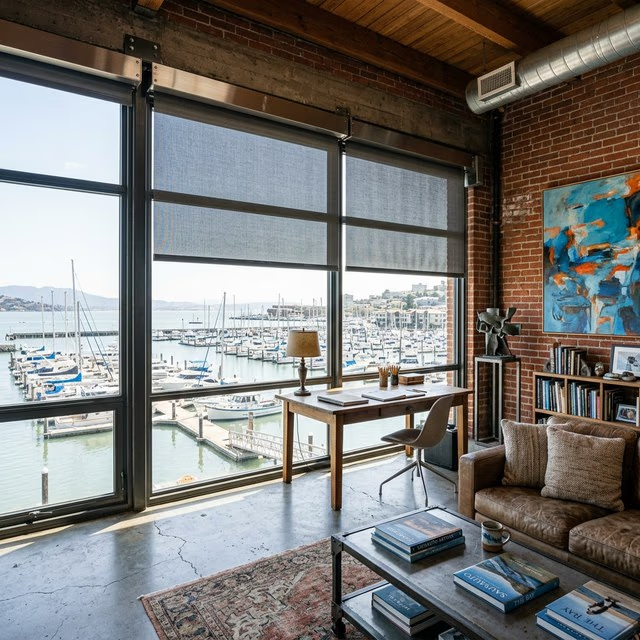
Motorized screen shades with PowerView Gen 3 let remote workers create “focus mode” scenes that automatically lower shades to 3% during work hours and raise them during breaks for full view enjoyment. Scheduling means the shade tracks the sun through the day without you leaving your desk, holding a consistent, glare-free workspace from the morning stand-up to the afternoon crunch.
Home offices in San Rafael and Mill Valley increasingly feature dual-monitor setups where precise light control is essential - a bright reflection on one screen forces the user to reposition or squint, disrupting workflow. Paired with automated energy scheduling, shades adjust throughout the workday to track sun position and maintain optimal thermal and visual comfort. Explore the full range of app, voice, and schedule control on our smart home automation page.
//Energy, Comfort & Local Fit
Do Home Office Screen Shades Also Save Energy?
Screen shades reduce solar heat gain by 60% to 90% depending on openness factor, lowering air conditioning demand during Marin County’s hot summer afternoons. A 3% openness shade blocks approximately 97% of incoming solar energy at the window. Home offices occupied during peak afternoon heat benefit significantly: without shading, a west-facing office window can raise room temperature 5 to 10 degrees above the rest of the house, forcing the HVAC system to work harder.
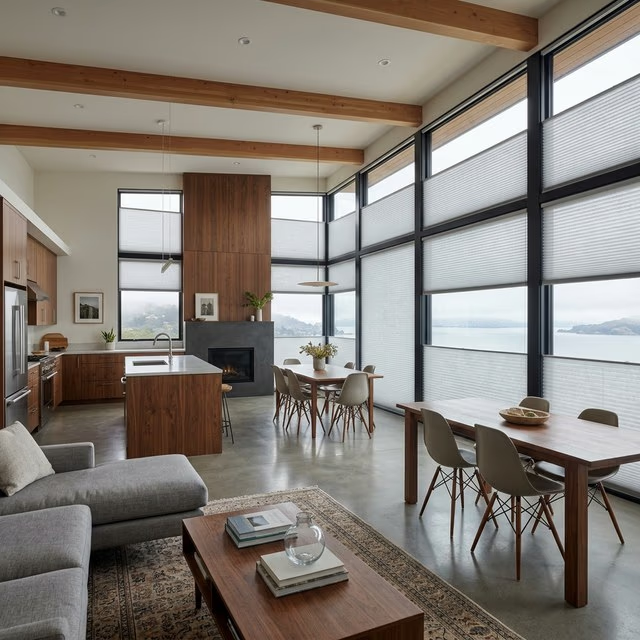
For maximum thermal performance where view preservation is secondary, consider layering screen shades with cellular honeycomb shades that achieve R-values up to 7.0 and U-factors of 0.23, exceeding the 2026 Title 24 U-factor ≤ 0.27 requirement. Bay Blinds measures and installs glare-reducing screen shades throughout Novato, San Rafael, Mill Valley, and Petaluma. The same light-control principles carry into adjacent spaces - see our living room and bedroom treatments for a whole-home approach.
//Related Products & Solutions
//Frequently Asked Questions
What openness factor is best for reducing monitor glare in a Marin County home office?
A 3% to 5% openness factor provides the optimal balance between glare reduction and outward visibility for most home offices. Three percent openness blocks 97% of glare-causing direct light while still allowing you to see the landscape outside during daylight hours. Five percent openness admits slightly more ambient light and provides a clearer view, but may allow some glare on monitors positioned directly opposite a window. For home offices with monitors facing a bright west-facing window, 3% openness is recommended. For rooms with indirect light or monitors perpendicular to windows, 5% openness preserves more of the view.
How do window treatments improve video call lighting?
Proper window treatments eliminate two common video call problems: backlighting that silhouettes your face and harsh side lighting that creates uneven shadows. Screen shades with 3% to 5% openness diffuse incoming light evenly across the room, providing soft ambient illumination without the harsh contrasts that webcams struggle to balance. Position your desk so the window is behind or beside your camera, not behind you. If the window is behind you, a lower openness factor like 1% to 3% prevents the webcam from blowing out the background. Bay Blinds evaluates your desk position and window orientation during the consultation to recommend the ideal openness.
Can screen shades reduce eye strain during long work sessions?
Yes. Eye strain during extended computer use is exacerbated by brightness contrast between your monitor and the surrounding environment. When a bright window creates a high-contrast background behind or beside your screen, your pupils constantly adjust between the monitor brightness and the ambient glare, causing fatigue and discomfort. Screen shades reduce the brightness differential by filtering incoming light to a level closer to your monitor output, creating a more uniform visual field. A 3% openness screen shade reduces visible light transmission to approximately 3% of full daylight, bringing ambient levels in line with standard monitor brightness for comfortable all-day work.
Do home office screen shades still allow a view of the outdoors?
Yes. Screen shades are specifically designed to reduce glare while maintaining outward visibility. At 3% openness, you can clearly see landscape features like trees, buildings, and sky during daylight hours, though the view is softened and slightly muted compared to bare glass. At 5% openness, the view is crisper with more color saturation. At 10% openness, the view approaches that of tinted glass. The trade-off is that higher openness admits more glare. For Marin County home offices with hillside or hillside views, 5% openness typically offers the best compromise between view quality and glare control.
Optimize Your Home Office for Productivity
Free consultations across San Rafael, Mill Valley, Novato, Petaluma, and all of Marin County - we assess your desk layout, monitor position, and window orientation.